
Quick answer: The 7 best voicemail-to-text options for business in 2026 are YouMail Professional, Google Voice for Business, RingCentral, OpenPhone (now Quo), Grasshopper, carrier visual voicemail, and (as the upgrade past the category) an AI receptionist that answers live so voicemail is never reached. Published pricing runs from $0 (free carrier transcription, capped at 45 seconds) up to $35/user/month (billed annually) for top-tier OpenPhone/Quo. The contrarian read: across 2,000,000+ inbound calls our AI receptionist has answered, the highest-ROI move is removing voicemail from the call flow entirely so callers stop hitting your competitor instead.
Why voicemail-to-text is the wrong question for 2026
Voicemail-to-text is one of those features every business phone vendor checks off without questioning whether the underlying experience still works. It doesn't. Across the 2,000,000+ inbound calls our AI receptionist has answered, the pattern is unambiguous: small businesses routinely miss 60–80% of incoming customer calls (Invoca data corroborates). Every missed call is a customer choosing your competitor. They don't leave a voicemail and wait, they call the next business on Google.
So the real question for 2026 isn't "which transcription engine is most accurate." It's "should you be capturing transcribed voicemails at all, or should you be capturing the live call?" This guide answers both. Below: seven concrete options with their published pricing, a sample call you can listen to, a decision tree, and a buyer's checklist for the readers who decide voicemail-to-text is still the right tool for them.
Sample call: the AI greets, takes the caller's name and matter, confirms the callback number, and flags it for a morning callback, all before the caller would have hit voicemail.
What "voicemail-to-text for business" actually means in 2026
"Voicemail to text for business" is a narrow category. It describes software that transcribes voicemails left on a business line, delivers the resulting text via email or SMS or app notification, and (usually) preserves the original audio for compliance and verification.
Three things it is not:
- Live call transcription. That's a different product: transcribing a conversation in real time, not a message left after the call.
- An AI receptionist. An AI receptionist answers the call before anyone ever reaches voicemail. Voicemail-to-text is the consolation prize when the AI doesn't exist.
- Consumer visual voicemail. The iPhone "see your messages as a list" feature is voicemail-to-text for personal lines. Business voicemail-to-text adds multi-user inboxes, CRM delivery, longer retention, and compliance-grade audit trails.
"For business" means a few specific things. The product needs to support multiple users on the same line. It needs to deliver transcripts into the tools your team already uses: email, SMS, CRM. It can't meter you per message. And for regulated verticals it needs retention you can defend in an audit.
For the technical fundamentals (how speech-to-text engines handle voicemail audio, accuracy benchmarks, and the difference between AI-grade and basic transcription), see our complete guide to voicemail transcription.
The 7 Best Voicemail-to-Text Options for Business (Compared)
The seven products below cover every meaningful price point and use case in the category. The first six are "voicemail-to-text" in the traditional sense; the seventh is the upgrade path that removes the need for it. NextPhone is listed separately on purpose: it's a different category answering a different question.
Prices read from each vendor's own pricing page in October 2026. YouMail and carrier visual voicemail prices are from June 2026: YouMail's website no longer shows a pricing page.
| Vendor | Best for | Voicemail-to-text included? | Plan & price | Catch |
|---|---|---|---|---|
| NextPhone | Businesses where one missed lead outweighs the monthly bill | N/A: voicemail is replaced, not transcribed. The AI answers live. | From $199/mo, flat monthly, unlimited inbound calls | Different category; see "The unfair comparison" below |
| YouMail Professional | Solos and micro-teams that want a number plus transcription, cheap | Yes, unlimited transcripts on Ultimate | Complete $14.99/mo, Ultimate $24.99/mo per line | App-first UX; thin team admin |
| Google Voice for Business | Google Workspace shops | Yes, on all tiers | Starter $10/user/mo, Standard $20/user/mo, Premier $30/user/mo (requires Workspace) | Needs Workspace seat; US-only Starter; transcription accuracy varies |
| RingCentral Core | Mid-market teams that want one phone system | Yes, included on all plans | Core $20/user/mo annual or $30/user/mo monthly | Heavyweight setup; you're buying a full PBX |
| OpenPhone / Quo | Startups and sales teams | Yes on all plans; AI summaries on Business+ | Starter $15/user/mo, Business $23/user/mo, Scale $35/user/mo (annual) | OpenPhone rebranded to Quo late 2025; AI summaries gated to Business |
| Grasshopper | Solo entrepreneurs and 2–3 person LLCs | Yes, included on all plans | True Solo $14/mo, Solo Plus $25/mo, Small Business $55/mo (annual billing) | Per-account pricing not per-user: good for tiny teams, bad once you scale |
| Carrier visual voicemail (Verizon/AT&T/T-Mobile) | iPhone users who don't want another app | Yes, but capped at first 45 seconds on Verizon/AT&T | ~$2.99/mo Verizon Premium VVM, or included on newer plans | 45-second cap means unusable for real business messages; no team features |
Vendor pricing verified against vendor websites and CloudTalk/Nextiva pricing aggregators on June 1, 2026. RingCentral and Google Voice prices vary by region, billing term, and Workspace bundle.
NextPhone: the answer to a different question
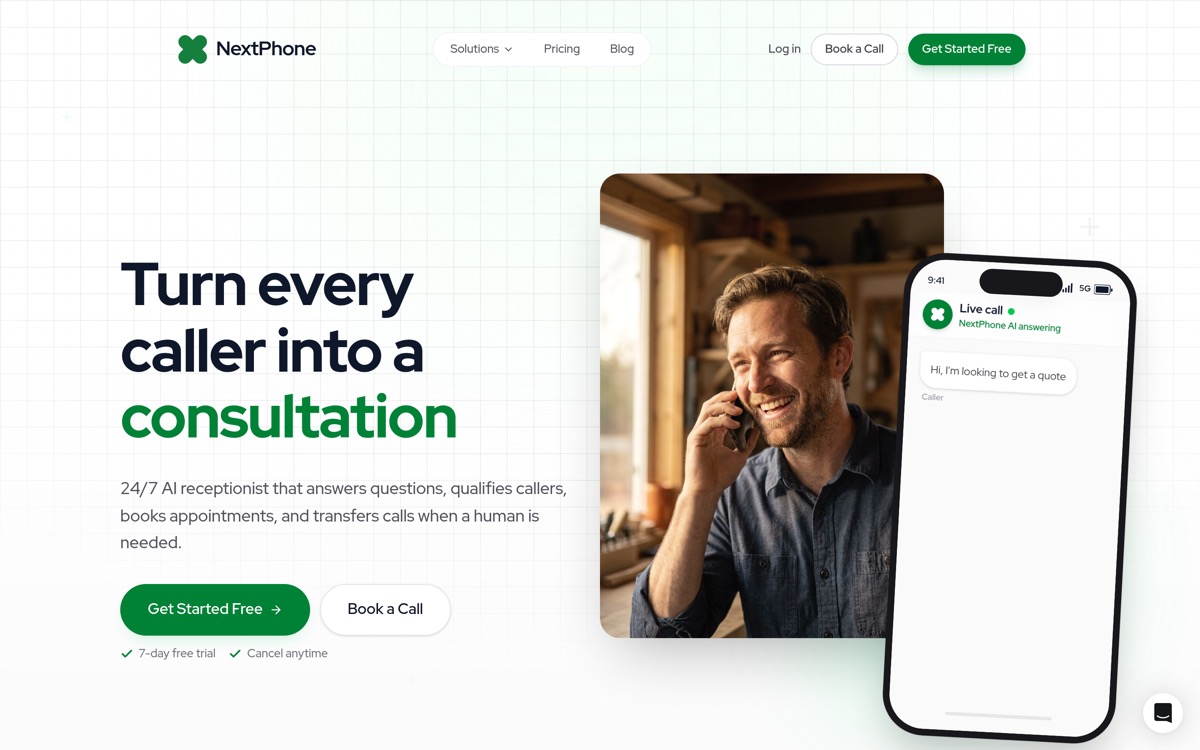
NextPhone doesn't transcribe voicemail. It eliminates the reason voicemail exists. The AI picks up in under 2 seconds, handles 90–95% of calls without human escalation, and routes the rest to your phone with full context. Flat monthly plans from $199 for unlimited inbound calls: no per-minute meter, no message cap. Skip ahead to "The Unfair Comparison" for the why.
Try NextPhone free for 7 days
AI answering service that answers, qualifies, and books, 24/7.
YouMail Professional: best cheap visual voicemail with transcription
YouMail Professional is the closest thing to a "just give me a business number with transcripts" budget play. The Complete tier at $14.99/mo per line ships voicemail transcription, custom greetings, and spam blocking. The Ultimate tier at $24.99/mo per line unlocks unlimited transcripts and conditional greetings. The catch: it's app-first, so multi-user admin is thin. For a solo operator who just wants a clean transcribed inbox on their phone, it's tough to beat at the price. If you outgrow it, see our best voicemail app for business guide for the wider field.
Google Voice for Business: best if you're already on Google Workspace
If your team already lives in Google Workspace, Google Voice for Business is the lowest-friction path to voicemail-to-text. Starter is $10/user/mo, Standard $20, Premier $30, and every tier ships voicemail transcription. The catch: you need a Workspace seat for every Voice user, Starter is US-only, and transcription accuracy is a real step behind dedicated transcription engines. We dig into the tradeoffs in our Google Voice alternative breakdown.
RingCentral Core: best if you want a full PBX
RingCentral Core at $20/user/mo (annual) or $30/user/mo (monthly) includes voicemail-to-text on every plan. But what you're really buying is a full PBX with extensions, queues, conferencing, and the heavyweight setup that comes with it. For a 20-person inside-sales team that needs a unified business phone system, that's fine. For a 3-person service business that just wants transcribed voicemails, it's massive overkill. See our RingCentral alternative comparison if you're cross-shopping.
OpenPhone (Quo): best for startups that want AI call summaries too
OpenPhone rebranded to Quo in late 2025. Pricing held: Starter $15/user/mo, Business $23/user/mo, Scale $35/user/mo (all annual). Voicemail transcription ships on every plan; AI call summaries (which is the feature people actually want in 2026) are gated to Business and above. For a small sales team that already lives in a unified shared inbox, this is the most modern transcription option in the table.
Grasshopper: best for true solo operators
Grasshopper prices per account, not per user, which makes it the right answer for one or two people who share a number. True Solo is $14/mo, Solo Plus $25/mo, Small Business $55/mo (annual billing). Voicemail transcription is included on every plan. The structural problem: as soon as you add a third teammate, the per-account pricing model stops being a deal and starts feeling restrictive. Good entry point, hard to scale.
Carrier visual voicemail: only if your message volume is near-zero
Verizon, AT&T, and T-Mobile all offer some form of visual voicemail with transcription. Verizon Premium Visual Voicemail runs about $2.99/mo (often included on newer plans). The deal-breaker: Verizon and AT&T cap transcription at the first 45 seconds of the message. For a business voicemail where the caller is leaving a complete request, that's unusable: you get the polite intro and lose the actual ask. No multi-user features, tied to the carrier line, only viable if you receive almost no voicemails.
The Unfair Comparison: Voicemail-to-Text vs. an AI Receptionist
Here's the framing every vendor above won't put on their landing page: voicemail-to-text only matters when the call has already failed. Every product in the table transcribes a message a caller leaves after you didn't pick up. The interesting comparison is between the world where calls hit voicemail at all and the world where they don't.
"The real comparison is AI vs voicemail. Without AI, missed calls go unanswered. With AI, 90–95% of calls get resolved immediately, and the rest get smart-routed to your phone with full context. Either way, the caller gets helped instead of hitting voicemail and calling your competitor."
The math is brutal once you look at caller behavior. Most callers who reach a business voicemail don't leave a message at all. They hang up and dial the next result on Google. The minority who do leave a message are often the ones who would have converted anyway. The transcription, however accurate, is showing you a small fraction of the demand you actually missed. For the data behind that claim, see our head-to-head AI Receptionist vs Voicemail: lead capture data breakdown.
An AI receptionist inverts the entire workflow. It picks up before the caller has a chance to be disappointed, asks the same intake questions a transcribed voicemail would later force you to read, and either books the appointment, captures the lead, or forwards to a human, all while the caller is still on the line. The voicemail box never enters the picture. Listen to the after-hours call embedded above and notice what's happening: the AI is doing the work the transcription would have surfaced after the fact, except the caller is still there to confirm details and the appointment lands in your calendar before they hang up.
This is why the comparison is unfair. Voicemail-to-text is competing on transcription accuracy. An AI receptionist is competing on whether the call ever needs transcribing.