
Your Grasshopper number has done its job — it gave you a professional line and kept your personal cell separate. But if you're reading this, something's changed. Maybe call volume grew. Maybe you're losing leads because you're in court or on a job site when the phone rings. Maybe you've realized that voicemail is where potential clients go to never call back.
The question most people ask at this point is: what's a good Grasshopper alternative? The better question is: why am I leaving, and what actually solves that problem?
Those have different answers. And picking the wrong one means you're paying for a new system that makes the same calls go unanswered.
Why Small Businesses Leave Grasshopper
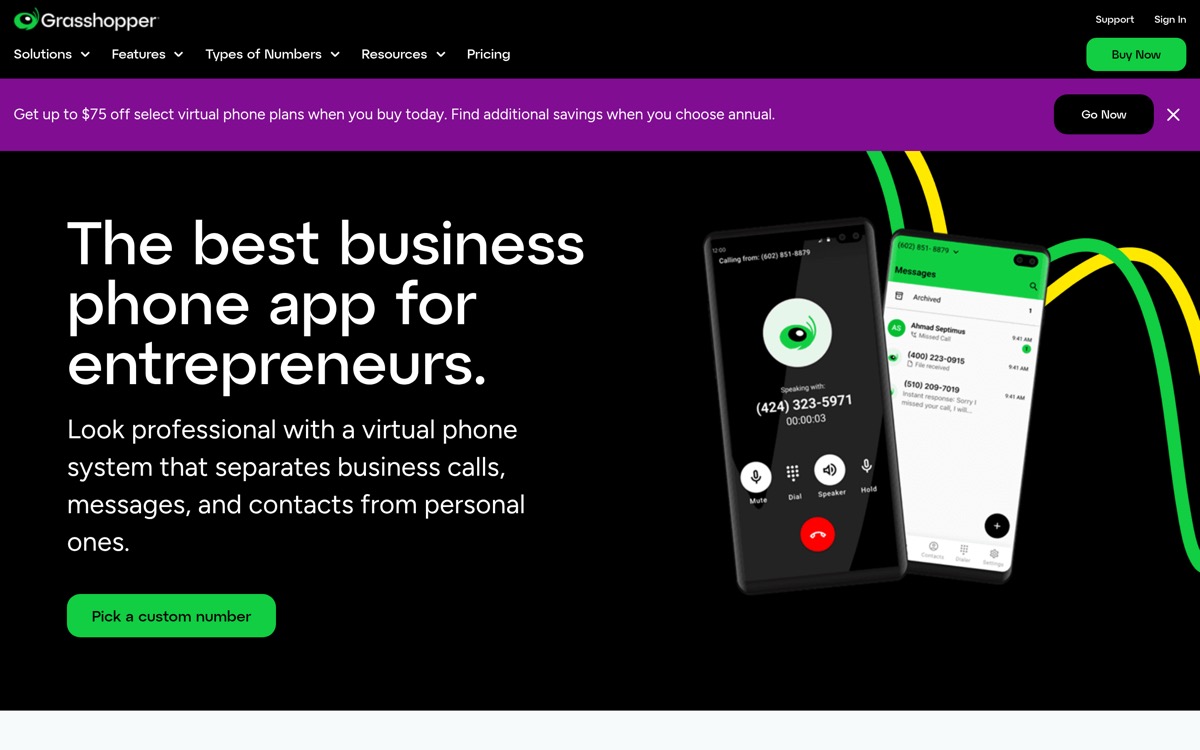
Grasshopper built its business on one promise: a professional phone number without the complexity of a full business phone system. For solo founders and small teams getting started, that's a real value — a dedicated line, voicemail, and basic call forwarding for $14–$55/month. It worked for 400,000+ businesses since 2003.
But Grasshopper is a virtual number provider, not a call-handling system. When you're unavailable, the call goes to voicemail. That's the end of Grasshopper's participation in your business.
The three most common reasons businesses leave:
Voicemail isn't converting leads. Research from CallRail shows that 85% of callers won't call back if their call goes unanswered. They leave a voicemail as a courtesy, then call the next business on their list. A law firm that misses an intake call at 4:45 PM isn't getting a callback — the potential client already hired the firm that picked up.
Ruby's answering partnership is expensive for what you get. Grasshopper offers a partnership with Ruby Receptionist for live answering. It works, but Ruby's pricing starts around $245/month for 50 minutes. If you're fielding more than 50 minutes of calls, you're in overage territory fast.
Pricing model creates anxiety on busy weeks. Grasshopper's base plan covers calls forwarded to your phone. Any actual answering service you add on top bills per minute — which means a busy storm week or an active case load costs unpredictably more.
Who Should Actually Leave Grasshopper (And Who Shouldn't)
Before switching anything, be honest about what's broken.
Stay on Grasshopper if: You actually pick up most calls, your call volume is low (fewer than 15–20 calls a week), and you're primarily using the business number for professional separation. Grasshopper does that job at a fair price. Don't fix what isn't broken.
Leave if: You're missing calls because you're genuinely unavailable (in court, on a job site, in client meetings), callers consistently reach voicemail and don't follow up, or you're spending on a Ruby add-on that costs more per minute than it's worth.
The distinction matters because the right alternative depends entirely on which camp you're in.
Grasshopper Alternatives: What's Actually Available
Google Voice — for solo founders who need a second line
Google Voice gives you a second phone number that rings your mobile, plus voicemail transcription, SMS, and basic call routing. The personal version is free; the Workspace version is part of a Google Workspace subscription starting around $10/user/month.
What it does well: it's free or near-free, it integrates with Google Calendar and Gmail if you're already in that ecosystem, and it handles basic call forwarding without friction.
What it doesn't do: everything Grasshopper doesn't do. When you're unavailable, Google Voice rings out and sends callers to voicemail. If missed calls are your problem, Google Voice isn't a solution — it's a lateral move at a lower price point.
Best for: a solo consultant or freelancer who needs a second line and doesn't have a call volume problem. Not the right tool for any business where calls represent revenue.
RingCentral — for teams who need a full UCaaS platform
RingCentral is a full unified communications platform: business phone, video conferencing, team messaging, and contact center features in one system. Their Core plan starts around $20/user/month for teams.
What it does well: it's a comprehensive solution for teams of 5–25+ who need internal communication tools, call routing between departments, reporting and analytics, and enterprise-grade features. If you're growing from a one-person practice to a multi-attorney firm with a dedicated intake coordinator, RingCentral can grow with that structure.
What it doesn't do: answer calls when no one picks up. RingCentral's queues and auto-attendants route calls intelligently — but they still require a human to actually answer. After-hours calls, overflow calls, and calls that hit when your team is busy still go to voicemail or a call queue that nobody tends.
Best for: firms or businesses with 5+ team members, dedicated staff to handle inbound calls during business hours, and a budget for a communications platform ($100–$500/month at team scale).
For more on this comparison, see our breakdown of RingCentral vs. AI receptionist for small businesses.
An AI Receptionist — for businesses that lose revenue to missed calls
This is the category Grasshopper alternatives posts usually skip, because it's not a phone system — it's a different thing entirely.
An AI receptionist answers the call when you can't. Not a recording, not a menu ("press 1 for sales"), not a voicemail — an actual conversation. The AI greets the caller, understands why they're calling, collects the information you'd want to know (name, matter type, urgency, contact info), and routes the call appropriately: transferring to your phone with context if you're available and it's urgent, sending an SMS booking link if they want to schedule, or taking a complete message if it's after hours.
For a law firm: the AI asks about the type of matter, collects the case basics, books a consultation into your calendar, and sends the client a confirmation text. You get an email summary of every call, whether you answered or not.
For a contractor: the AI handles the "what's your pricing?" questions from your knowledge base, collects the address and job details for estimate requests, and transfers emergency calls (burst pipe, no heat in January) to your mobile with a summary of the situation.
The call doesn't go to voicemail. That's the whole point.
Best for: any small business where callers represent revenue — law firms, service providers, consultants, contractors — and the owner or team can't be available on the phone 100% of the time.
Grasshopper vs Google Voice vs RingCentral vs NextPhone: Side-by-Side
| Grasshopper | Google Voice | RingCentral | NextPhone | |
|---|---|---|---|---|
| Starting price | $14/mo | Free / $10/user/mo | ~$20/user/mo | $199/mo flat |
| Pricing model | Per plan tier | Per user | Per user | Flat rate, unlimited |
| Answers calls when you're unavailable | ❌ (voicemail) | ❌ (voicemail) | ❌ (voicemail / queue) | ✅ AI answers |
| 24/7 live answering | ❌ | ❌ | ❌ | ✅ |
| Collects caller information | ❌ | ❌ | Limited | ✅ Custom intake questions |
| Books appointments in-call | ❌ | ❌ | ❌ | ✅ |
| Transfers with context | Forward only | Forward only | Warm transfer | ✅ AI summary on transfer |
| Per-minute charges | Via Ruby add-on | No (but no answering) | No (but no answering) | ❌ No meter |
| Call volume that costs more | Adds-on | No | Team seats | Never |
| CRM integrations | ❌ | Google Workspace | ✅ (Salesforce, HubSpot) | ✅ (Clio, HubSpot, Lawmatics, 6,000+ via Zapier) |
| Call summaries by email | ❌ | Voicemail transcript | ❌ | ✅ Every call |
| Uptime | Standard | Standard | 99.999% SLA | 99.97% |
| Answer speed | N/A | N/A | N/A | Under 2 seconds |
Note: Grasshopper and Google Voice pricing verified via third-party reviews (Fortune, Google Workspace pricing page). RingCentral pricing based on their published Core plan as of September 2026. Always verify current pricing at the vendor's site before making a decision.
The Real Question: Phone System or Call Coverage?
Here's the thing most Grasshopper alternatives guides miss: switching from one phone system to another doesn't change the fundamental problem.
If you leave Grasshopper for Google Voice, your calls still ring out when you're unavailable. If you move to RingCentral, your calls still go to a queue when your team is busy or after hours. The phone system is the pipe. What you're actually missing is someone standing at the end of that pipe to catch the calls.
A personal injury attorney's intake line rings at 6:30 PM. Someone was in an accident. They have two other firms' numbers and will call until someone answers. A phone system upgrade — whether it's Google Voice or RingCentral — doesn't change what happens at 6:30 PM when the office is closed. An AI receptionist does.
Across the 2,000,000+ inbound calls our AI has answered, the pattern is consistent: small businesses routinely miss 60–80% of incoming calls, and callers don't wait — they call the next business on Google. The phone system doesn't determine whether that call gets answered. Someone (or something) at the other end of the line does.
The right question isn't "which phone system should I use?" It's: "when I can't pick up, what happens to that call?"
For more context on how AI answering compares to traditional options, see our breakdown of business phone system options.