RingCentral launched its own AI Receptionist in early 2025. As a leader in the Gartner Magic Quadrant for UCaaS, RingCentral has significant enterprise credibility. If you're a RingCentral user, you probably saw the pitch: AI answers your calls, routes to the right person, books appointments. All inside the platform you already use.
Sounds great on paper. But the details matter -especially the pricing model and the limitations that don't make it into the marketing.
This is an honest review of RingCentral AI Receptionist (AIR). What it does well, where it falls short, what it actually costs at real-world call volumes, and how it compares to a flat-rate alternative.
What RingCentral AI Receptionist Actually Is
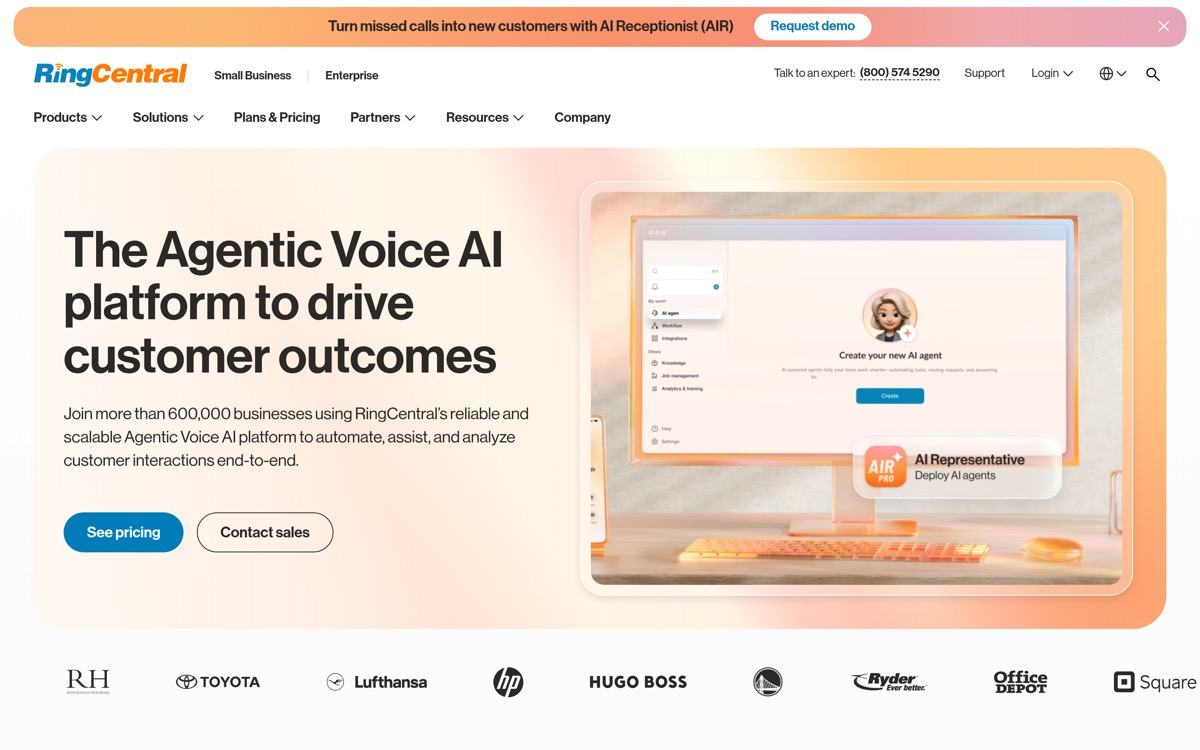
RingCentral AI Receptionist -they call it "AIR" -is a voice AI agent that answers inbound calls. It launched in February 2025 and became generally available to all RingCentral customers later that year.
Here's what it does:
- Answers calls with natural language. Callers talk to the AI like a person instead of pressing buttons through an IVR menu
- Routes calls to team members. Based on caller name, department, or keywords in the conversation
- Books appointments. Integrates with Google Calendar and Outlook to schedule meetings and generate video call links
- Captures leads. Logs caller information to Salesforce, HubSpot, or Zoho CRM
- Sends SMS follow-ups. Texts callers with appointment details, directions, or links after the call
- Handles basic FAQs. Pulls answers from your website and uploaded documents
RingCentral also released "AIR Everywhere" -a standalone version that works with any phone system, not just RingCentral. Same AI, different delivery. You don't need to be a RingCentral customer to use it.
The core technology is solid. RingCentral built AIR on their enterprise voice infrastructure, so call quality and reliability aren't concerns. And the contextual handoff feature -where AI passes a conversation summary to the human it transfers to -is genuinely useful. The person picking up knows what the caller needs before they say a word.
But the product's real story is in the pricing and limitations.
RingCentral AIR Pricing: The Minute Problem
Here's where it gets complicated.
RingCentral AI Receptionist pricing breaks down like this:
Prices checked against each provider's own pricing page on October 5, 2026.
| Plan | Monthly Cost | Included Minutes |
|---|---|---|
| AIR Everywhere (standalone) | $49/month for 100 minutes | 100 minutes |
| AIR add-on (for RingEX users) | $39/month, plus the RingEX plan ($30/month for Core in RingCentral's bundle) | 100 minutes |
100 minutes sounds reasonable until you think about what that actually means.
The Math at Real Call Volumes
A typical small business gets 40-60 inbound calls per month. If the average call lasts 2-3 minutes (our data from 1,446,980 analyzed calls shows this is normal for scheduling, FAQ, and quote requests), you're looking at 80-180 minutes per month.
Within the 100 minutes, you're fine: you pay the plan price. But here's the problem: you'll probably go over.
Overage rate: $0.50 a minute, billed per 30-second increment.
That adds up fast:
| Calls a Month (3-minute average) | Monthly Minutes | Total Monthly Cost (standalone) |
|---|---|---|
| 30 | 90 | $49 |
| 50 | 150 | $74 |
| 70 | 210 | $104 |
| 100 | 300 | $149 |
| 170 | 510 | $254 |
At about 500 minutes per month -which is realistic for a busy home services contractor or a law firm during peak season, you're paying $254/month. And you won't know your exact bill until the month ends.
The Anxiety Tax
Per-minute billing creates a problem beyond just cost. You start monitoring usage. You wonder whether the AI should have resolved that 4-minute call faster. You second-guess whether to enable AI for all calls or just overflow.
This is the "anxiety tax" of metered pricing. Even when the monthly cost is acceptable, the unpredictability adds friction. You can't just set it and forget it.
Compare this to a flat-rate model where you pay one price regardless of volume. No tracking, no overages, no mental math about whether this month's bill will spike because storm season tripled your call volume.
Where RingCentral AIR Works Well
To be fair, AIR does several things right.
Quick Setup
RingCentral simplified the AIR setup process in January 2026. You add your website URL, and the AI auto-generates a receptionist by scraping your site for business hours, services, and common questions. Takes about 5 minutes to get a basic setup running. No IT required.
Calendar Integration
The Google Calendar and Outlook integration is genuinely useful. When a caller wants to book an appointment, AIR checks availability and schedules it. It even generates RingCentral Video links for virtual appointments. Calendar booking is table stakes for AI receptionists at this point -NextPhone does this too -but AIR's native integration within the RingCentral ecosystem is convenient if you're already on the platform.
Contextual Handoffs
When the AI needs to transfer a call to a human, it passes along a summary of the conversation so far. The person answering knows why the caller is calling before they pick up. This is a genuine quality-of-life improvement over a cold transfer.
Multi-Location Support
You can create unlimited AIR instances -one per department, location, or phone line. Each gets its own configuration, knowledge base, and routing rules. For businesses with multiple offices, this flexibility matters.
Where RingCentral AIR Falls Short
Knowledge Base Limitations
This is the biggest issue. RingCentral's AI pulls answers from a "knowledge base" you create by uploading documents and adding your website. In theory, this lets the AI answer business-specific questions.
In practice, users report significant problems (echoed across RingCentral reviews on G2):
- 500-character company description limit. That's about two sentences. Try describing your business, services, pricing, and handling instructions in 500 characters. You can't.
- Inconsistent retrieval. The AI sometimes ignores uploaded documents entirely. One user reported that AIR answered basic questions (executive names and titles) correctly but failed on anything more complex from the same knowledge base.
- No behavioral instructions. You can't tell the AI how to behave -what tone to use, what questions to ask first, when to escalate. The knowledge base is for facts only, not personality or workflow.
- CSV upload issues. Users report unclear formatting requirements and failed uploads with no helpful error messages.
For a business that needs the AI to deeply understand how they operate -not just recite facts from a website -this is a real limitation.
Limited Language Support
RingCentral AIR supports about 6 languages: English, Spanish (Latin American), Italian, German, Portuguese, and French. They added most of these in January 2026.
That covers major European languages. But if you serve communities that speak Mandarin, Korean, Vietnamese, Arabic, Hindi, or any of the other languages common in US metro areas -AIR can't help.
NextPhone supports 14 languages, including all six above plus Mandarin, Korean, Vietnamese, Arabic, and Hindi. In markets like Los Angeles, Houston, or New York, that coverage difference isn't academic. It's the difference between answering a caller in their language or losing them.
No API Access
You can't pull AI conversation data out of RingCentral via API. Whatever the AI learns from calls stays locked inside the RingCentral ecosystem. If you want to build custom reporting, feed call data into your own systems, or integrate with tools RingCentral doesn't officially support -you can't.
Limited CRM Options
As of February 2026, AIR integrates with three CRMs: Salesforce, HubSpot, and Zoho. If you use Pipedrive, Monday CRM, Copper, Freshsales, Insightly, or any other CRM -no native integration.
NextPhone takes a different approach with custom HTTP webhooks. You define the API endpoint, the data format, and the trigger. Works with any CRM that has an API, which is essentially all of them. It also integrates with automation platforms like Zapier, Make, and n8n for more complex workflows.
Customization Constraints
You can't configure the AI's conversation style, question flow, or decision logic in meaningful ways. The 500-character description limit means you're working with a very broad brush. For businesses with specific intake processes -law firms that need to collect case type and urgency, medical practices that need to triage, contractors that need to qualify job scope before scheduling -this lack of customization is a problem.
Cost Comparison: The Full Stack, Not Just AIR
Most comparisons only show AIR's price tag ($49/month for 100 minutes standalone, or $39/month as an add-on). That's misleading. AIR answers the calls, but you still need a phone system underneath it, and for RingCentral shops that is a RingEX plan.
Here's what the full RingCentral + AIR stack actually costs:
- RingCentral business phone plan: $30-35/user/month (RingEX Core or Advanced, month to month; $20-25 billed annually)
- Contact center (if you need call queues/routing): RingCX from $65/user/month
- AIR add-on: $39/month
- Overages: $0.50 a minute after 100 included minutes
Even skipping the contact center, a single-user RingCentral + AIR setup starts at $69-74/month before you answer a single call over 100 minutes.
NextPhone's flat monthly plans start at $199, and the Pro plan includes the phone number, AI answering, unlimited calls, and all features. No separate phone plan required.
The Real Math at 3 Minutes Per Call
Most AI receptionist calls run about 3 minutes -the caller explains what they need, the AI handles scheduling, FAQs, or quote intake. Here's what happens at real volumes:
| Calls Per Day | Minutes/Month | RingCentral Stack (phone + AIR + overage) | NextPhone |
|---|---|---|---|
| 2 | 180 | $109-114 | $199 |
| 3 | 270 | $154-159 | $199 |
| 4 | 360 | $199-204 | $199 |
| 5 | 450 | $244-249 | $199 |
| 6+ | 540+ | $289+ | $199 |
(Range depends on the RingEX tier: $30-35/user month to month, Core or Advanced, read on RingCentral's plans page October 8, 2026. A RingCX contact center adds from $65/user on top.)
The Break-Even: About 4 Calls Per Day
The crossover happens at roughly 350 to 360 minutes per month, depending on the RingEX tier. At 3 minutes per call, that's about 117 to 120 calls, or about 4 calls per day.
If you're getting fewer than 4 calls per day, the RingCentral stack is cheaper. Above that, NextPhone wins, and the gap widens with every additional call.
And that's without the contact center. If your business needs call queues or advanced routing -which many do -the RingCentral stack starts at $134-139/month for one user before any overage, and it passes $199 at about 220 to 230 minutes a month, roughly 2.5 calls a day.
The per-minute model works when call volume is low and predictable. With the UCaaS market size projected to exceed $100 billion, providers are competing on features, but for most small businesses, especially seasonal ones like plumbing, HVAC, roofing, or landscaping, predictable pricing matters more than enterprise features.