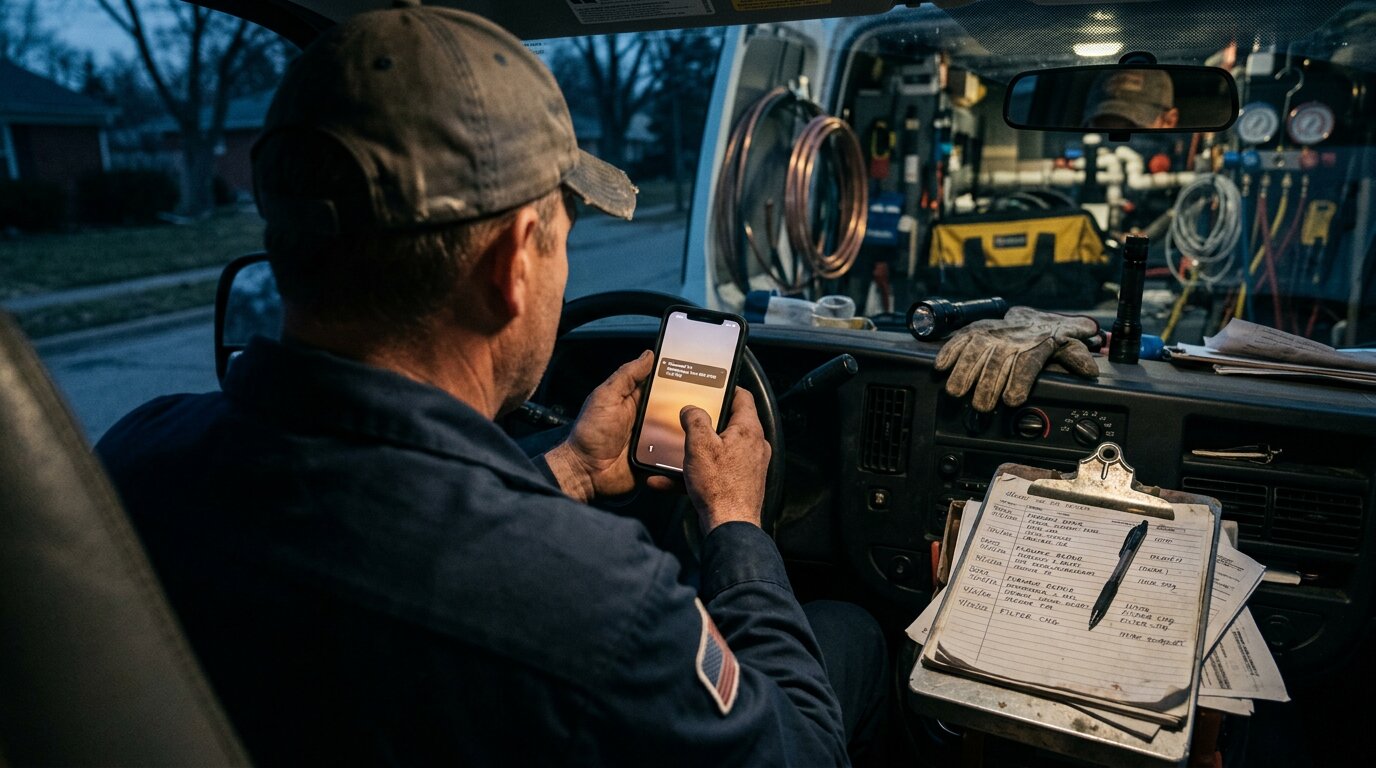
It's 5:30 PM. You've been on job sites all day: hands dirty, phone in your pocket, unable to answer. You finally check your voicemail. Eight messages. The third one from 11 AM: a homeowner with a burst pipe, desperate for help. By now? They've already called three other plumbers. One showed up at 2 PM.
That's the voicemail problem. Not the technology. The timing.
Across the calls we answer for home services businesses, approximately one in four callers explicitly asks for a callback. Without a system to track these requests, the vast majority fall through the cracks. The customer moves on. The revenue disappears.
Voicemail follow-up automation fixes this by triggering instant notification, automatic acknowledgment, and structured callback sequences, so no message sits unheard while leads go cold. (First, you need a reliable voicemail transcription service converting those audio messages to text; that's the foundation everything else builds on.)
Here's exactly how to set it up.
Why Most Voicemail Callbacks Never Happen

The math is brutal. Industry research shows 74.1% of calls to home services contractors go completely unanswered. Those calls don't just disappear. They become voicemails. And voicemails pile up.
The End-of-Day Voicemail Problem
Picture an HVAC technician. They're on a roof from 8 AM to 4 PM. No way to answer the phone. By the time they climb down, there's a queue of messages:
- A routine maintenance inquiry from 9 AM
- An urgent "no AC in 95-degree heat" call from 11 AM
- A quote request from 1 PM
- Two spam calls
Without a system, all five look the same. There's no way to know which is urgent. No way to track which have been returned. No way to confirm callbacks actually happened. Voicemail statistics show an average response rate of just 4.8%, meaning most voicemails simply never get returned. Gong research on voicemail effectiveness confirms that without systematic follow-up, voicemails rarely convert.
Speed Matters More Than You Think
Harvard Business Review research shows companies that respond to leads within one hour are seven times more likely to qualify them than companies that wait even two hours. For voicemails, that clock starts ticking the moment the beep ends.
The problem is workflow. Manual voicemail checking creates inevitable delays. Automation eliminates them. 76% of companies now use marketing automation because manual processes can't keep pace with customer expectations. A traditional answering service can help, but automation takes it further.
What Is Voicemail Follow-Up Automation?
Voicemail follow-up automation is a system that handles the entire journey from voicemail received to callback completed, without manual intervention at each step.
The core components:
- Transcription: AI converts voicemail audio to text instantly
- Notification: Email, push notification, or SMS alerts you immediately
- Acknowledgment: Automated message to caller confirming receipt
- Follow-up sequence: Timed touchpoints (SMS, email, phone) until connection is made
- Tracking: CRM integration logs status of each callback
Instead of checking voicemails at day's end and hoping you remember to call everyone back, the system handles acknowledgment automatically and queues callbacks in priority order. In 2025, 109 billion emails were sent through platforms like ActiveCampaign alone, with 40.4% average open rates and 6.7% click rates, showing the power of automated follow-up at scale.
Step 1: Instant Transcription and Notification
The first 60 seconds after a voicemail determine whether you capture or lose the lead.
How It Works
When a caller leaves a voicemail, AI transcription converts it to text in real-time. Within seconds, you receive:
- Email notification with the full transcript, caller's phone number (tap-to-call from mobile), and timestamp
- Push notification to your mobile app with a summary
- Dashboard update showing the new message in your call log
No more dialing into a voicemail box. No more listening to 30-second messages for 10-second details. The transcript shows you exactly what the caller needs, immediately.
According to AI customer service research, businesses implementing AI-enhanced communication tools report 40% faster response times to customer inquiries. That speed comes from eliminating the friction between voicemail left and voicemail seen.
Real-World Application
A plumber is under a house fixing pipes. Their phone buzzes with a notification: "New voicemail from 555-0123: 'Hi, our water heater is leaking and we need someone today if possible.'"
They can't call back immediately, but they know the message exists. They know it's urgent. And the system is already handling the next step.
Step 2: The Multi-Touch Follow-Up Sequence
The caller left a message. Now what?
Most businesses rely on the owner or office manager to call back when they have time. That creates gaps: sometimes hours, sometimes days. Multi-touch automation fills those gaps with a structured sequence.
The Optimal Follow-Up Timeline
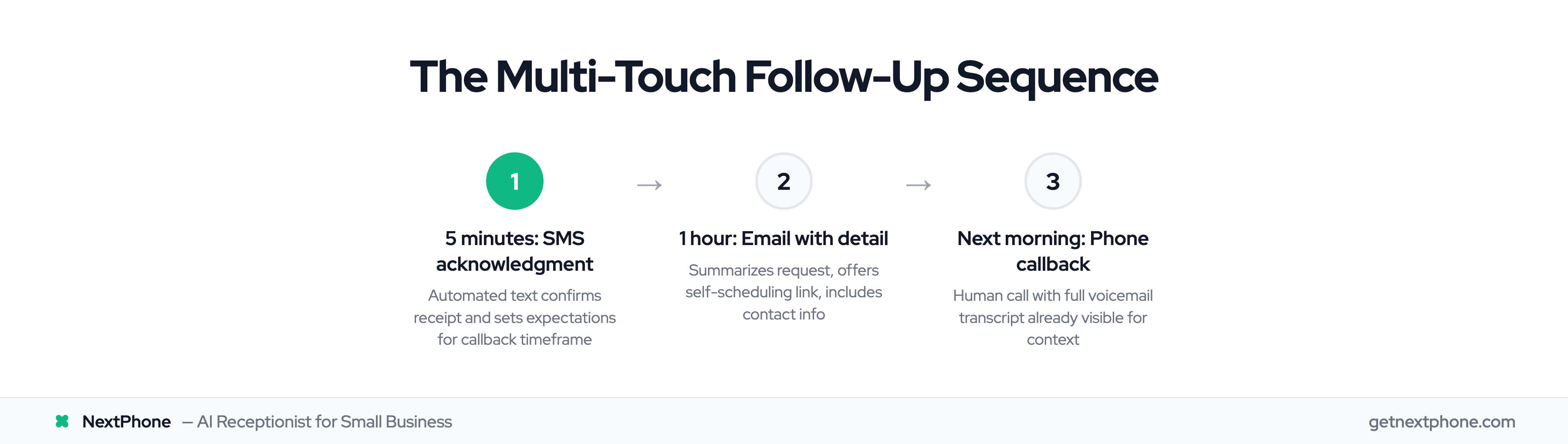
5 minutes after voicemail: SMS to caller: "Hi [NAME], we received your voicemail about [TOPIC]. We'll call you back within [TIMEFRAME]. Need faster help? Book directly: [LINK]"
1 hour after voicemail: Email with more detail: summary of their request, link to schedule a callback at their convenience, and business contact information. 53% of SMBs use email marketing as their primary tool for customer acquisition and retention, with industry average open rates around 32.55%. Email marketing delivers $42 ROI per $1 spent, and automated emails generate 37% of email sales while making up only 2% of volume.
Next business morning (if no response): Phone callback from your team, with full context from the voicemail transcript already visible.
Research from Kixie shows personalized voicemail follow-up can increase callback rates by 33%. The key is personalization (using the caller's name and referencing their specific request) combined with speed.
Why Multi-Touch Works
Some callers prefer text. Some check email. Some want a phone call. By hitting all three channels, you meet customers where they are instead of hoping they answer on your first attempt. SMS follow-up after email boosts conversions by 27%, and service SMS follow-up converts 17% into bookings.
The sequence also demonstrates responsiveness. A caller who receives an SMS five minutes after leaving a voicemail thinks, "These people are on it." That impression matters when they're comparing you to competitors who haven't called back at all.
Marketing automation delivers results: businesses report 451% more leads and 9x higher conversions with 5-minute follow-up. 80% of marketers say automation brings more leads, with 77% higher lead conversion rates.