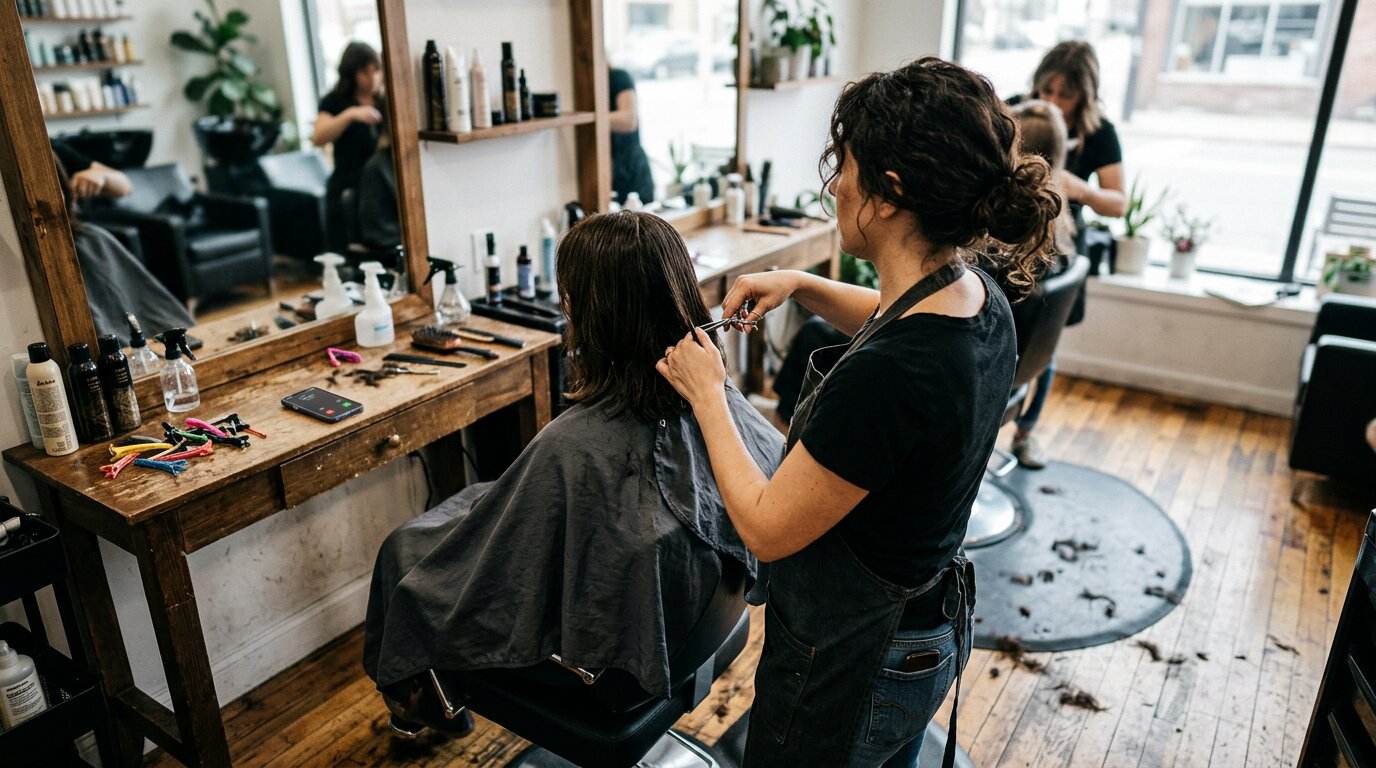
You're in the middle of a haircut. Scissors in hand, client in the chair. Your phone rings. You glance at it: new number, probably a booking. But you can't answer. The call goes to voicemail.
That customer just called your competitor.
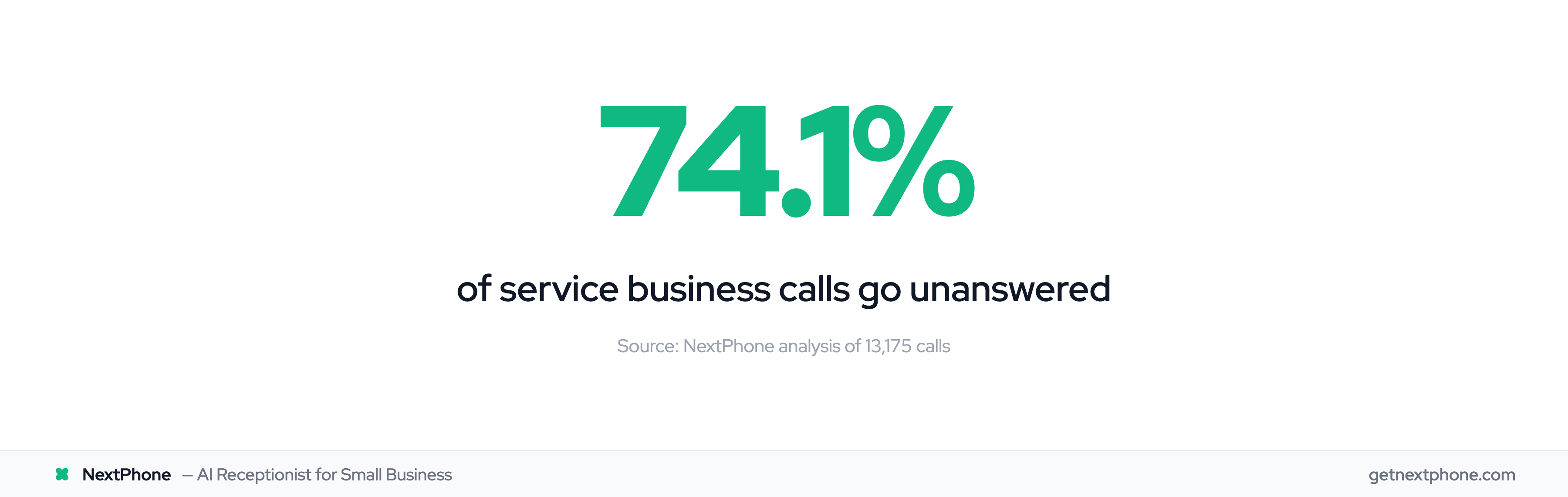
Square handles your payments flawlessly. Your POS system works great. But Square can't answer your phone when customers call to book appointments. Industry research shows 74.1% of calls to home services businesses go completely unanswered. That's three out of every four potential customers reaching voicemail instead of you.
The Square Integration Gap: When Customers Call to Book
Square Handles Payments, Not Phone Calls
Square excels at what it does. Square serves 4.1+ million active businesses with 22% digital payments market share, processing $210 billion in gross payment volume. It's become the default payment processor for service businesses.
The Square Appointments platform combines scheduling software with payment processing. Customers can book online, pay deposits, and you get everything synced in one system.
But here's the problem: Square can't pick up the phone.
Service businesses operate hands-on. Hair stylists have scissors. Massage therapists have clients on the table. Contractors are on ladders. Personal trainers are coaching. You can't pause mid-service to answer a booking call.
So the phone rings. Goes to voicemail. The customer doesn't leave a message. They call the next salon, spa, or contractor. Whoever answers first wins the booking.
The Revenue Impact of Missed Booking Calls
We analyzed the 1,446,980 business calls in our corpus. Here's what we found: booking or rescheduling an appointment is the single most common reason people call.
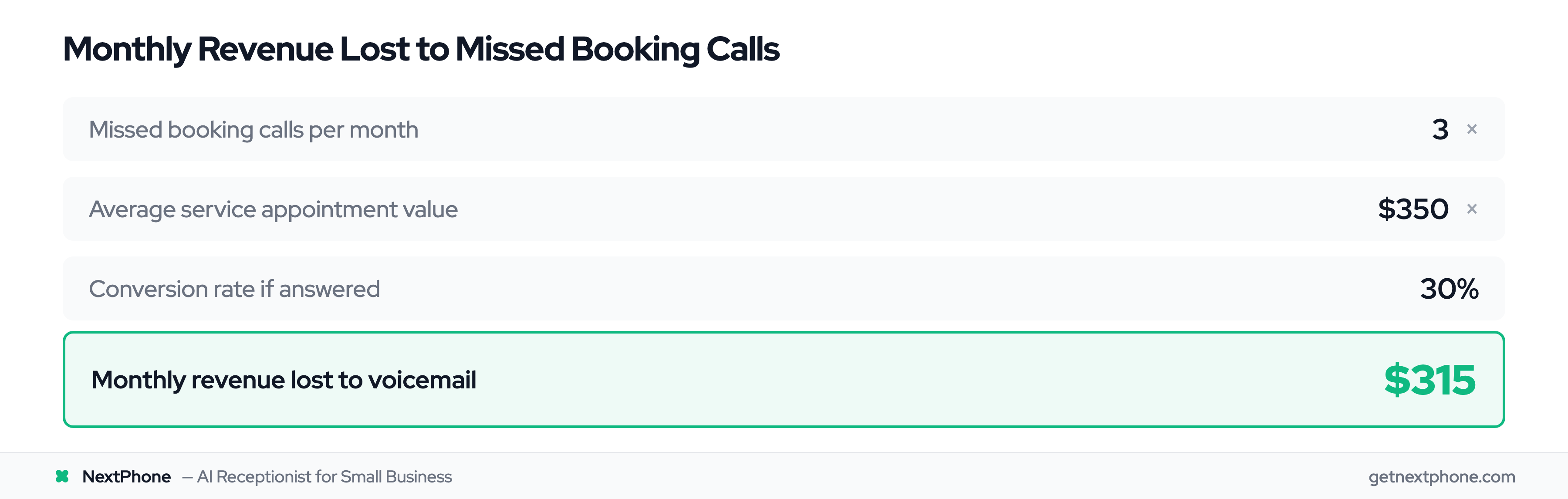
For a typical service business receiving 42 calls per month, that means about 3 booking attempts. With industry research showing 74.1% of calls go unanswered, you're missing those 3 booking opportunities every single month.
Let's do the math:
- 3 missed booking calls per month
- $350 average service appointment (hair salon, massage, personal training)
- 30% conversion rate (if you'd answered)
- Result: $315 per month in lost revenue
For higher-value services like specialty treatments, consulting, or contracting work at $1,200 average:
- Result: $1,080 per month in lost revenue
Square processes your payments beautifully. But it can't capture the revenue from calls you never answer.
How Square + NextPhone Integration Works
AI Receptionist as the Missing Integration Layer
This is where NextPhone fits into your Square setup.
Think of NextPhone as the phone answering layer that sits between customer calls and your Square payment system. When a customer calls to book, the AI receptionist answers in under 2 seconds, every single time.
Here's what happens:
The AI greets the caller professionally using your business name. It asks what they need. When they say "I'd like to book an appointment," the AI collects the critical information:
- Customer name
- Phone number
- Email address
- Service they want
- Preferred date and time
If you use Calendly or Google Calendar, the AI checks real-time availability. "I have 2pm or 4pm open on Saturday. Which works better for you?"
Once the appointment is booked, here's where Square comes in: NextPhone sends the customer a Square payment link via SMS or email. They click it, pay their deposit (or full amount) through Square's secure checkout, and the appointment is confirmed.
You get an email notification with the booking details, call transcript, and Square payment confirmation. Everything syncs to your calendar. No manual entry required.
Technical Integration Options
You don't need to be technical to set this up. NextPhone connects to Square through three methods:
Zapier (Easiest): Connect NextPhone to Square using Zapier's automation platform. When the AI books an appointment, it triggers a Zapier workflow that creates a Square payment link and sends it to the customer. Square connects with 8,000+ apps on Zapier, making this plug-and-play.
HTTP Webhooks (Flexible): For custom workflows, NextPhone's HTTP webhook integration can push booking data directly to the Square API. This gives you complete control over what data flows where.
SMS Integration (Simple): The most common setup: AI collects booking info, then uses NextPhone's SMS integration to text the customer a pre-configured Square payment link. Customer pays, you get confirmation. Done.
What Gets Automated
Here's what you never have to do manually again:
- Answer every booking call (AI handles it 24/7)
- Ask for customer details (AI collects and logs everything)
- Check your calendar (AI knows what's available if connected)
- Send payment links (AI texts Square link automatically)
- Confirm appointments (AI sends confirmation with details)
- Update your records (everything auto-logs)
You wake up to confirmed, paid appointments without ever touching the phone.
The Complete Customer Journey: Call to Confirmed Payment
Customer Experience (Step-by-Step)
Let's walk through what your customer experiences:
- They call your business number
- AI answers immediately: "Thanks for calling Serenity Spa, how can I help you today?"
- Customer: "I'd like to book a 60-minute massage for this Saturday"
- AI: "Perfect. Can I get your name and phone number?"
- Customer provides details
- AI: "Great, and your email address for the confirmation?"
- Customer provides email
- AI: "I have 2pm or 4pm available on Saturday. Which works for you?"
- Customer: "2pm sounds perfect"
- AI: "Excellent. I'm texting you a payment link right now to secure your 2pm appointment"
- Customer receives SMS with Square payment link within seconds
- Customer clicks link, pays $50 deposit via Square
- Customer receives confirmation email with appointment details
Total time: 2-3 minutes. Zero friction. Professional experience.
Business Owner Experience (What You See)
Meanwhile, here's what you see:
- Email notification: "New booking: Sarah Johnson - Saturday 2pm - 60min massage"
- Full call transcript attached
- Square payment confirmation: $50 deposit received
- Appointment automatically added to your calendar
- Customer contact info logged in your system
You didn't answer the phone. You didn't type anything. You didn't send a payment link. The AI coordinated everything with Square while you were with another client.
Our data shows approximately one in four callers asks for a callback. With NextPhone + Square integration, those callbacks never need to happen because the booking is complete on the first call.