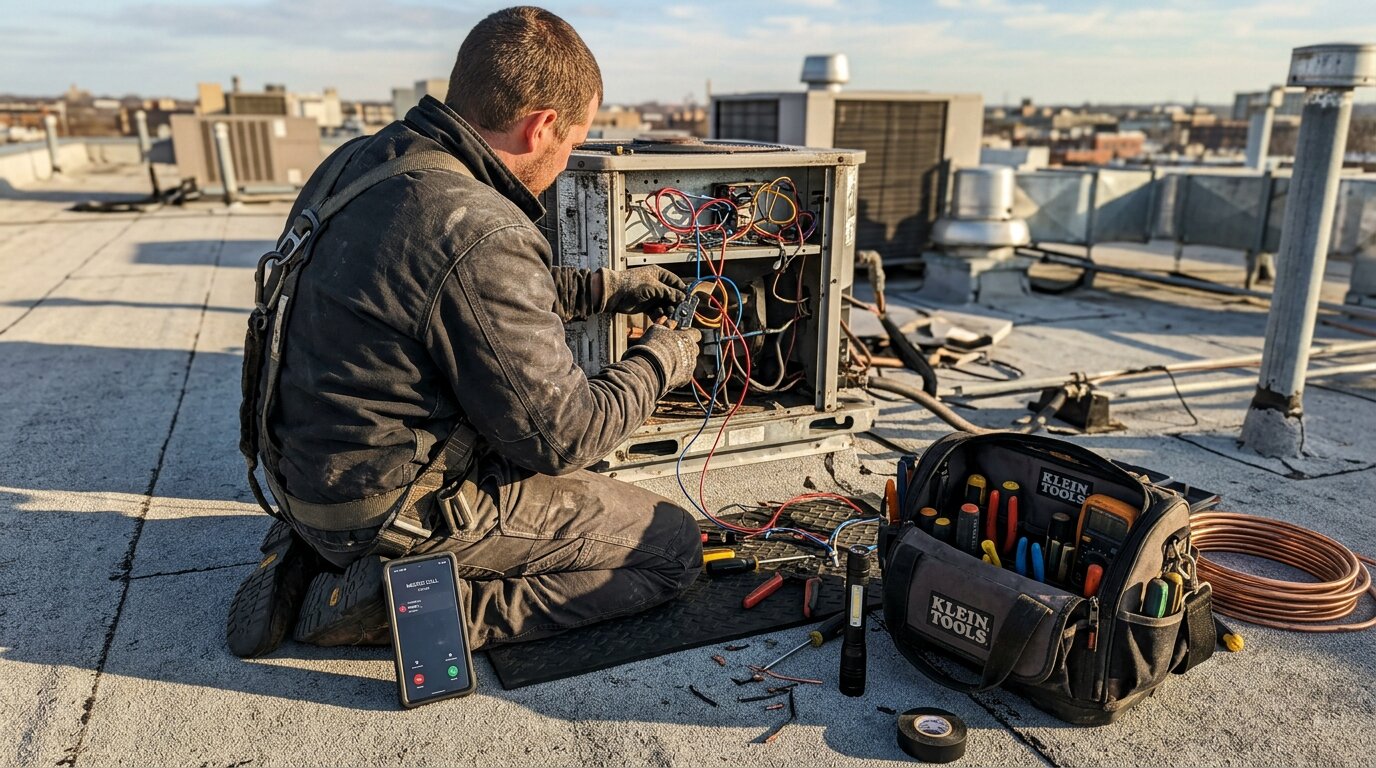
You're on a roof installing shingles. Your phone rings. It's a customer asking for an estimate on a kitchen remodel. You can't answer: hands full, 20 feet up.
Later, you remember to call them back. Now you need to create a ClickUp task, fill in custom fields (budget, job type, urgency), set the priority, and assign it to yourself. Five minutes gone.
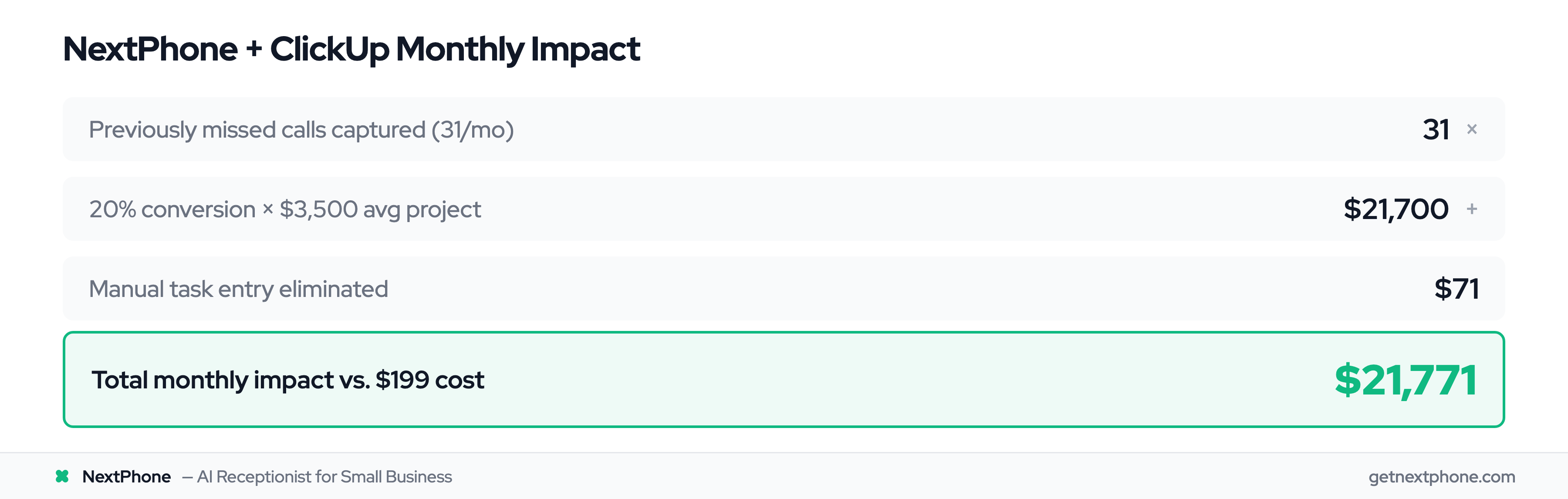
This happens 31 times a month for the average contractor. That's 2.5 hours of manual data entry.
Power users love ClickUp for its hierarchy, custom fields, and automation. But there's a gap: phone calls still require manual task creation. This breaks the workflow automation you've carefully built.
Here's how to fix it.
Why ClickUp Integrations Matter for Complex Workflows
ClickUp positions itself as the "all-in-one workspace." The platform has grown to 20+ million users with a $4 billion valuation. ClickUp reached $278.5 million ARR in 2024 with 75.4% year-over-year growth, and converts 8-10% of free users to paid (vs 2-5% industry average), proof that power users find real value. But no single tool does everything. That's where integrations come in.
ClickUp offers 1,000+ integrations, with 45 native connections and the rest available through Zapier (which connects ClickUp with 300+ apps) or API webhooks. The most popular? Slack for turning messages into tasks. Google Calendar for deadline syncing. Everhour for time tracking. HubSpot for CRM data.
These integrations matter because they unlock ClickUp's real power: combining hierarchy, custom fields, and automation. Without integrations, you're stuck with manual data entry. That creates bottlenecks.
For contractors and small businesses, the bottleneck is phone calls. Estimates, emergencies, scheduling requests: they all come through your phone. And every one requires manual work to get into ClickUp.
The Integration Reality
Most integrations are surface-level. They move data from Point A to Point B. But they don't capture the context, urgency, or custom information you need.
A Slack message becomes a task, but without the customer's phone number, budget, or timeline. A calendar event syncs, but without the job type or priority level.
Power users need more. They need integrations that understand their workflow structure and populate it automatically.
How Power Users Structure Complex Workflows in ClickUp
ClickUp's hierarchy has six levels: Workspace → Spaces → Folders → Lists → Tasks → Subtasks. This flexibility is what makes ClickUp powerful for complex workflows.
A roofing contractor might structure it like this:
- Workspace: ABC Roofing (entire business)
- Space: Residential Projects
- Folder: Active Estimates
- List: High Priority Estimates
- Task: Johnson Kitchen Remodel Estimate
- Subtasks: Site visit, material pricing, labor calculation, proposal send
This structure works because it mirrors how the business actually operates. But here's where it gets powerful: custom fields.
Custom Fields: The Power User's Secret Weapon
Custom fields let you capture unique data for each task. For contractors, that might include:
- Customer phone number
- Budget range
- Job type (residential repair, commercial build, emergency)
- Urgency level (low, medium, high, emergency)
- Preferred contact method
- Timeline expectations
When you combine these custom fields with automation, ClickUp becomes a system that thinks for you. Custom fields work with automation in three ways: triggers (when urgency = high, do X), conditions (if budget > $10,000 and job type = commercial, do Y), and actions (set assignee based on job type).
A task marked "Urgency: Emergency" automatically sends a notification to your phone. A task with "Budget: $15,000+" gets assigned to your senior estimator. A callback request due tomorrow triggers a reminder at 8 AM.
This is what power users build. But it all falls apart when the task creation itself is manual.
The Missing Piece: Phone Call Integration

ClickUp integrates with Slack, Teams, email, calendars, time tracking: basically everything except the tool you use most: your phone.
There are a few options. RingCentral has a ClickUp integration that logs calls as comments. Phone.com connects through Zapier for basic call logging. 3CX Phone System has a Tray.ai connector.
But none of these create tasks with custom fields automatically. They're manual workarounds.
Here's the typical workflow for a contractor who uses ClickUp:
- Phone rings
- You answer (if you can: 74.1% of calls go unanswered)
- Customer describes their project
- You take mental notes or scribble on paper
- Later, you open ClickUp
- Create new task
- Fill in title, description
- Add custom fields: customer phone, job type, budget, urgency
- Set priority, assign, add to correct list
- Five minutes gone
Across the 1,446,980 calls in our analysis, approximately one in four customers explicitly asks for a callback. Without a system, most of these fall through the cracks. You forget to create the task. You create it but miss the custom field. You set the wrong priority.
The phone integration gap is real. And it costs you time, revenue, and customers.
How NextPhone Automates Your ClickUp Workflow
NextPhone is an AI receptionist that answers calls, collects information, and pushes data to your ClickUp workspace automatically. No manual task creation. No remembering details. No five-minute data entry sessions.
Here's how it works.
AI Receptionist That Collects Data
When a call comes in, NextPhone's AI answers in under 2 seconds. It asks questions based on your business:
- "What type of project do you need help with?"
- "What's your timeline?"
- "Is this urgent or routine?"
- "What's the best number to reach you?"
The AI collects whatever information you configure: name, phone, email, project details, budget, urgency level, preferred contact time. This is arbitrary data collection. You decide what matters for your workflow.
HTTP Webhook Integration
NextPhone uses HTTP webhooks to connect to ClickUp's API. Setup takes 10-15 minutes:
- Create a webhook in NextPhone dashboard
- Configure your ClickUp API key
- Map AI-collected data to ClickUp custom fields
- Set up automation rules (urgency keywords → priority levels)
The webhook pushes data in real-time during or after the call. No delay. No manual steps.
Automatic Task Creation with Custom Fields
When the call ends, a task appears in your ClickUp workspace:
- Title: "Johnson Kitchen Remodel Estimate"
- List: Active Estimates (auto-sorted based on project type)
- Custom field - Customer Phone: (555) 123-4567
- Custom field - Job Type: Kitchen Remodel
- Custom field - Budget: $15,000-$20,000
- Custom field - Urgency: Medium
- Priority: Normal (auto-set based on urgency)
- Description: AI-generated summary: "Customer wants to remodel kitchen, replace cabinets and countertops, timeline is 2-3 months, budget flexible around $18k."
Your ClickUp automations kick in immediately. Medium urgency assigns it to your estimator queue. Budget over $15k triggers a "High Value" tag. The task appears in your dashboard, fully populated, ready to work.
You didn't create it. You didn't fill in seven custom fields. You didn't set the priority. It just happened.